
SentryPC Review: A Complete Remote and MonitoringControl Solution
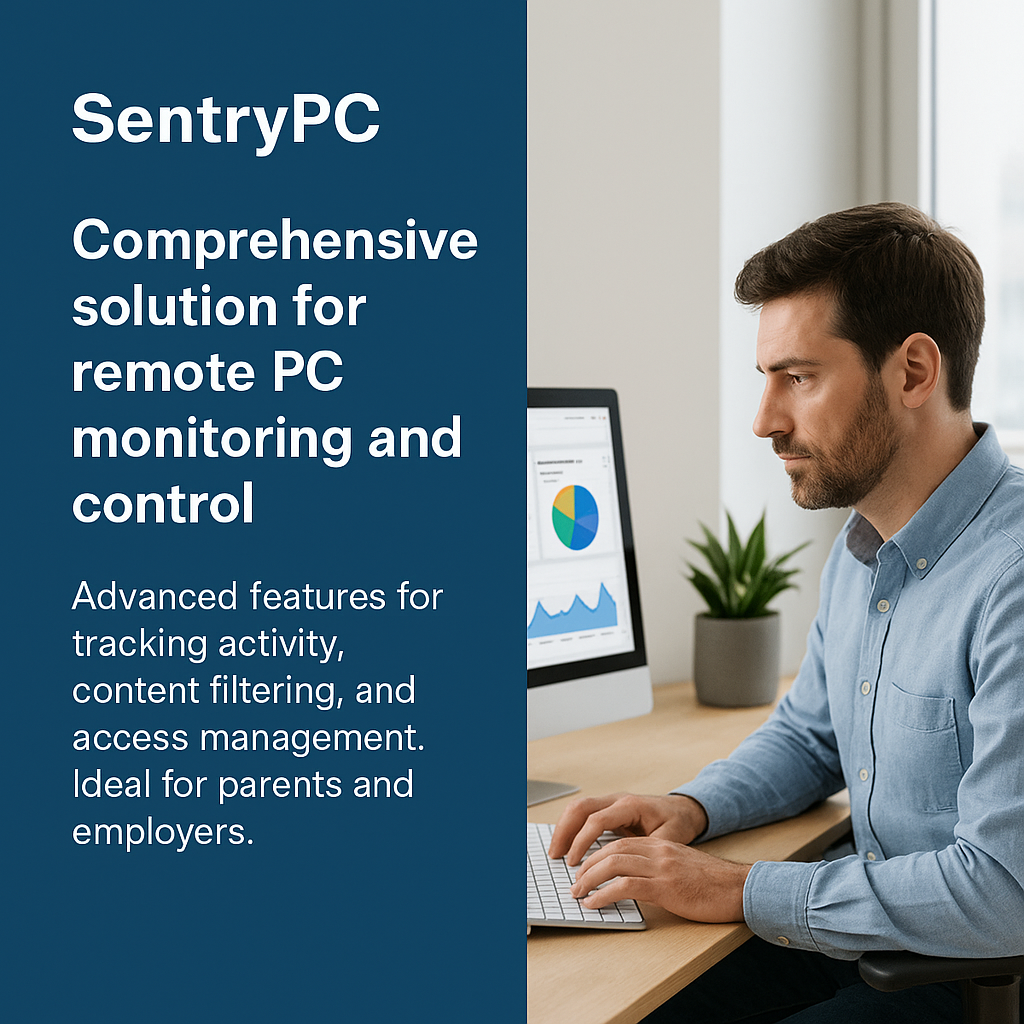
In a world where digital activity often goes unchecked, monitoring computer usage has become increasingly essential for both businesses and families. SentryPC?offers a powerful, cloud-based solution designed for employers, parents, and individuals who need detailed insights and control over how computers are used.
Whether you’re concerned about employee productivity, online safety for children, or even enforcing responsible screen time, SentryPC stands out as a comprehensive and easy-to-use platform. But is it the right choice for you? Let’s explore.
What is SentryPC?
SentryPC is a cloud-based computer monitoring and content filtering software that lets you track activity and control user behavior on any device it’s installed on. Developed by Spytech Software, it’s primarily aimed at:
- Employers who want to manage employee productivity and security
- Parents looking to supervise their children’s internet use
- Schools or educational institutions enforcing acceptable use
It runs in the background (invisible to users, unless configured otherwise) and collects a wide range of data — which you can access from anywhere using the online dashboard.
Key Features
1. Activity Monitoring
SentryPC logs a detailed timeline of everything users do on their device:
- Applications used
- Websites visited
- Keystrokes (keylogging)
- File and folder access
- Login and logoff times
- Time spent on each activity
This level of detail allows administrators to get a clear picture of how a computer is being used at any moment.
2. Content Filtering
You can block access to specific websites or entire categories such as:
- Adult content
- Gambling
- Social media
- Streaming platforms
SentryPC also supports keyword filtering, so you can prevent users from typing or searching certain words or phrases.
3. Time Management
A standout feature is the ability to set time schedules:
- Limit daily computer use
- Block access to specific apps or sites during work or school hours
- Set different rules for each day of the week
This is especially helpful for parents or managers who want to enforce screen time limits or working hours.
4. Remote Management
Since everything is cloud-based, you don’t need physical access to the target computer after setup. Through the secure web dashboard, you can:
- View real-time activity logs
- Modify access permissions
- Apply new filters
- Schedule downtime
- Monitor multiple devices from one account
5. Stealth Mode
SentryPC can operate in a hidden mode where users don’t even know the program is running. This is helpful for businesses needing discreet monitoring, though ethical use is highly encouraged.
Ease of Use
One of SentryPC’s biggest strengths is its simplicity. The interface is clean, user-friendly, and requires minimal technical knowledge. Even if you’re not tech-savvy, you’ll be able to:
- Set up the software in minutes
- Configure rules through drop-down menus
- Monitor multiple users and devices from a single control panel
The dashboard is responsive and works well on desktops and tablets. All monitoring data is organized in tabs and graphs for easy viewing.
Use Cases
▸ Employers & Businesses
SentryPC helps managers and IT administrators ensure that employees stay focused during work hours. You can identify:
- Time wasted on social media
- Unauthorized software usage
- Potential insider threats
- Productivity bottlenecks
This level of transparency can improve workflow efficiency and reduce cybersecurity risks.
▸ Parents & Families
For families, it serves as a digital guardian. Parents can:
- Block inappropriate websites
- Set limits for gaming or video streaming
- Monitor who kids are chatting with or what they’re searching
- Prevent addiction to screens and social media
It offers peace of mind without being overly intrusive.
▸ Educational Institutions
Schools can deploy SentryPC on student laptops or lab computers to ensure responsible usage. Features like app blocking and web filtering help enforce academic discipline.
Pros and Cons
Pros:
- Extremely detailed monitoring tools
- Easy-to-use interface with remote control
- Customizable filters and schedules
- Affordable pricing compared to competitors
- Lightweight software with low resource usage
Cons:
- Only supports Windows and macOS (no mobile version)
- Lacks screen recording or screenshot capture
- No live chat support (email-based customer service only)
- Keylogging feature may raise ethical concerns if misused
Pricing
SentryPC pricing starts at $59.95/year for one device, which includes:
- Full access to all features
- Unlimited cloud storage of logs
- Free updates and technical support
Each additional device costs around $20/year. For businesses, bulk pricing plans are available, making it cost-effective for teams or schools.
There’s also a free demo to try before buying.
Security & Privacy
All data is encrypted and stored securely in the cloud. Only the administrator can access user logs via a password-protected dashboard.
Important note: You must comply with local laws regarding digital surveillance. It’s illegal in many countries to monitor someone’s device without their consent — especially in work environments. Transparency is key to ethical usage.
Final Verdict
SentryPC is one of the most well-rounded computer monitoring tools on the market. Whether you’re a parent, manager, or school IT admin, it gives you full visibility and control over how devices are used — without needing to be physically present.
It’s affordable, reliable, and feature-rich. While it may lack more advanced tools like screenshot capture or mobile device support, what it does offer is more than enough for most users’ needs.
Rating: 4.5/5
✔ Excellent for remote control, filtering, and time management
✘ Room for improvement in real-time visual tracking and mobile compatibility